Ministry of Preschool and School Education Experts Council Smart Tongues Educational Program
Teacher Portal · 2026–2027
Smart Tongues Educational Program

One secure home for your teaching journey in Uzbekistan.

Register once, receive your unique Teacher ID, and return to a personal hub built for international educators working in Uzbek schools.
Unique Teacher ID Secure personal hub Official program access
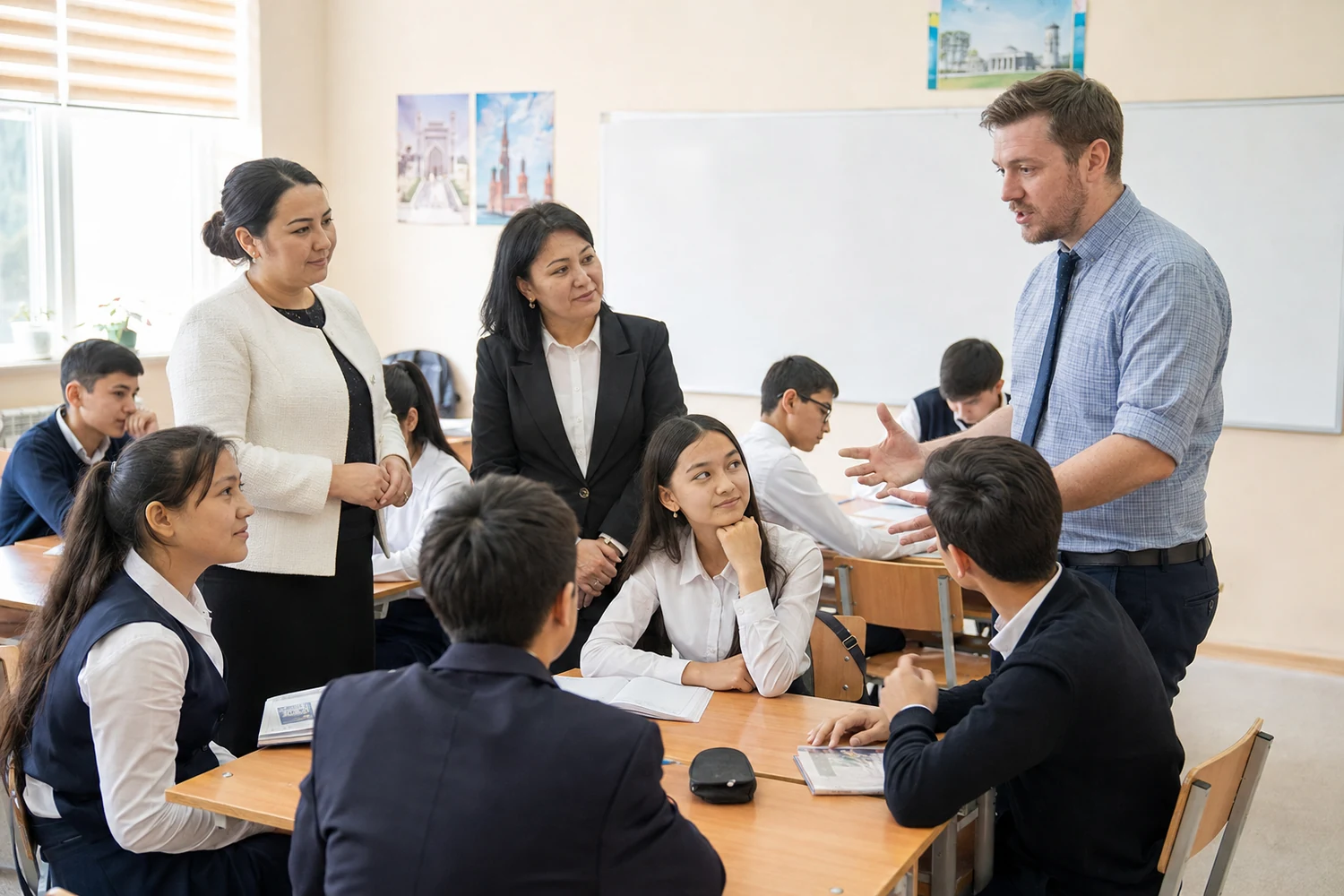
International and Uzbek educators teaching together in an Uzbek classroom
YOUR TEACHER ID STEP-26-•••••• One identity for your Teacher Hub
Teachers connect.
Classrooms grow.
01

Register once

Confirm your approved school placement and create your teacher account.

02

Receive your Teacher ID

Your unique portal identity is sent securely to your registered email.

03

Return to your hub

Sign in whenever you need your calendar, resources, updates or account information.

04

Stay connected

Use one reliable digital point of contact throughout the academic year.

Program in action

International educators. Uzbek classrooms. One shared mission.

The Smart Tongues Educational Program brings international teachers into public schools across Uzbekistan while the Teacher Portal keeps their digital journey simple, consistent and secure.

Welcome

The Smart Tongues Educational Program supports international teachers placed in Uzbek public schools through one secure official platform.

Register

Create your account once, receive your Teacher ID, and keep one reliable digital identity for the whole academic year.

Access

Teachers return to a personal hub for calendar dates, programme notices, resources and account information.

Support

The Experts Council coordinates communication, guidance and professional support across the STEP community.

Experts Council in action

Official programme presence and visible support for teachers.

The portal sits within a wider programme structure. The Experts Council helps educators navigate access, communication, recognition and programme information while representing the initiative clearly and professionally.
  • Official portal access and onboarding
  • One Teacher ID for every registered educator
  • Programme coordination across Uzbekistan
Professional guidance Clear direction on expectations, deadlines and programme processes.
Mentoring support Structured encouragement, check-ins and help when teachers need advice.
Remedial help Targeted support when a teacher needs follow-up, clarification or improvement planning.
Growth pathway Recognition, professional learning and opportunities to develop within the programme.
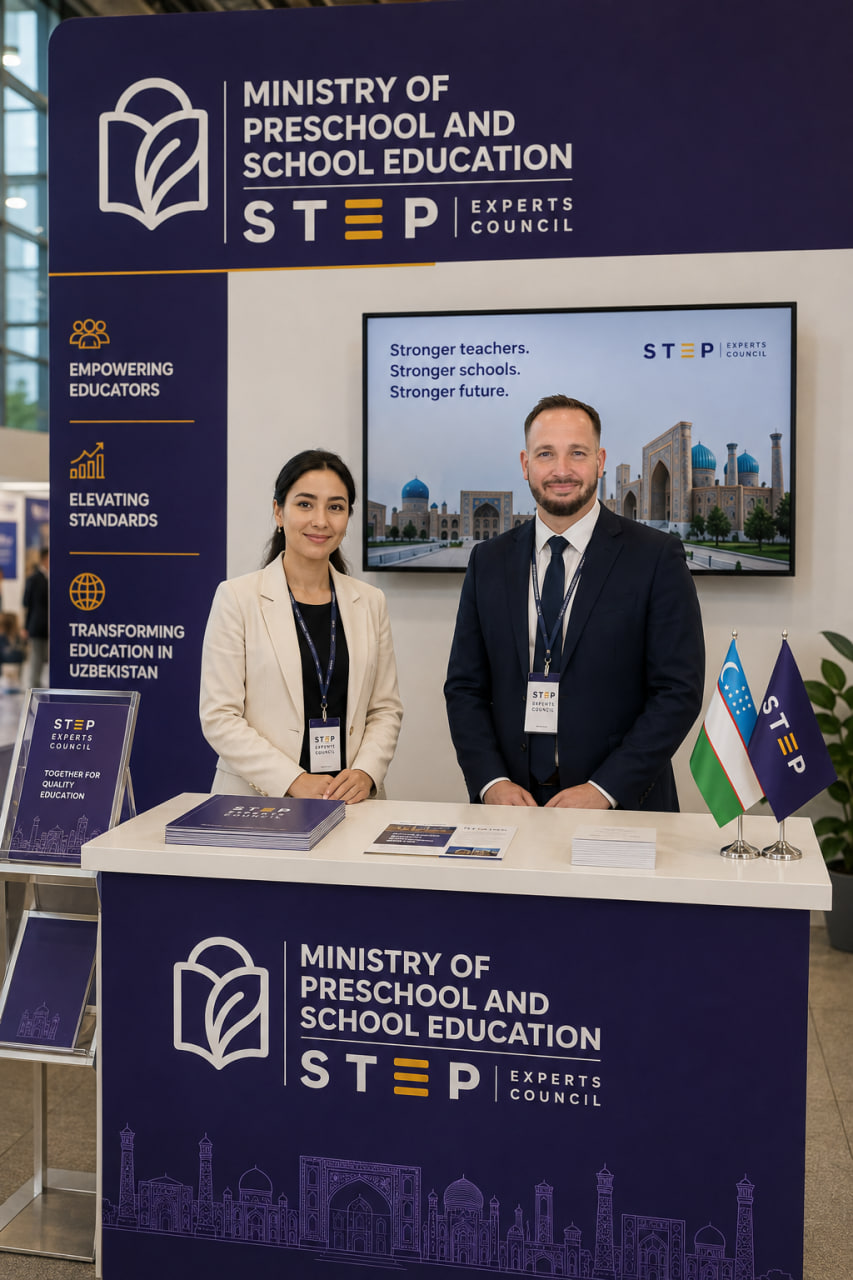
Experts Council booth with representatives and Uzbekistan branding
STEP Experts Council information booth
Experts Council

The professional support and coordination layer behind the teacher journey.

The Experts Council supports international teachers with official guidance, resources, professional development, communication and programme coordination throughout the academic year. It provides a consistent point of connection between teachers, schools and the wider STEP initiative.

“Empowering educators. Elevating standards. Transforming education in Uzbekistan.”
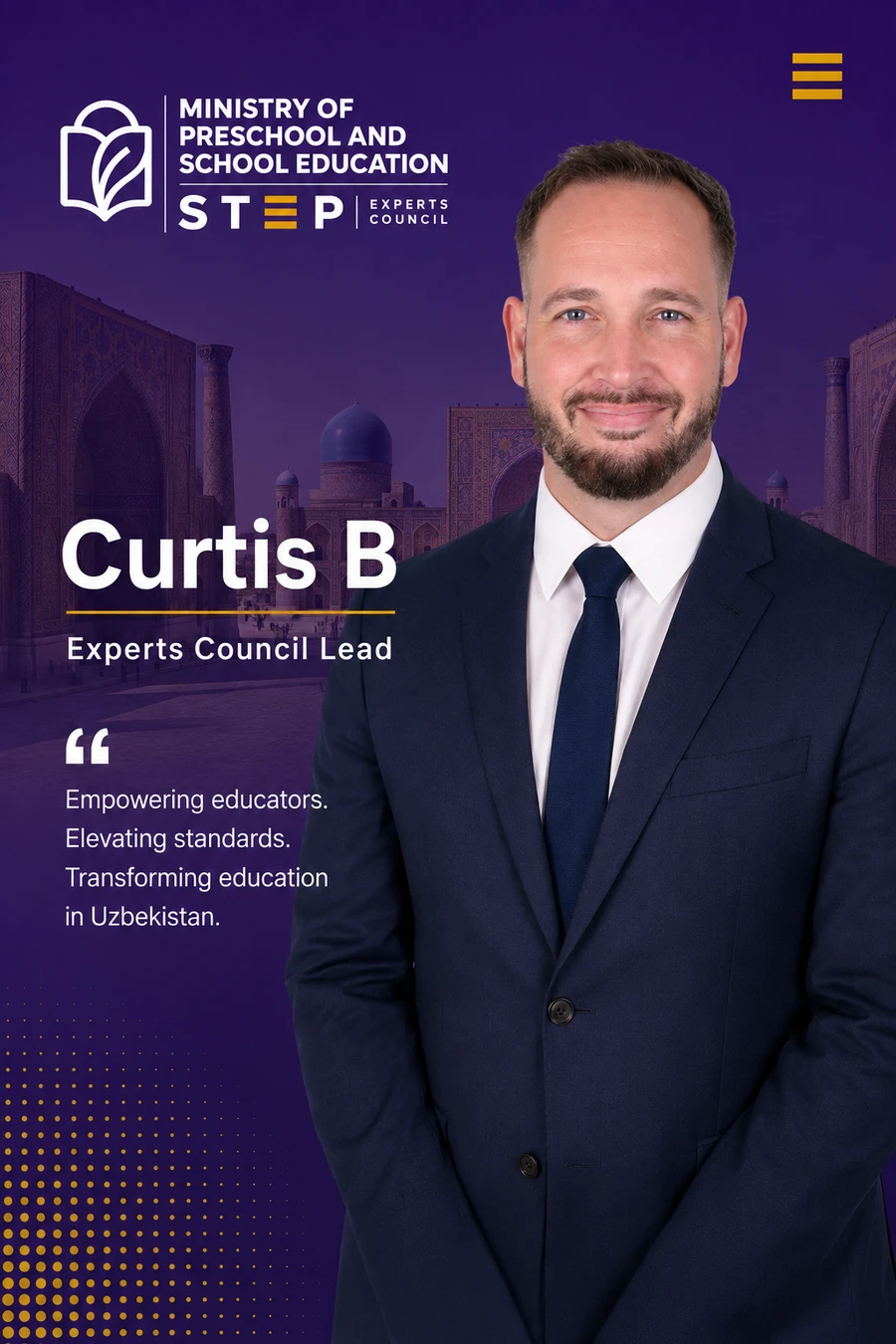
Curtis B, Experts Council Lead
Teacher notices

Clear public information. Personal details stay private.

Public notices live here. Account-specific information remains inside the signed-in Teacher Hub.

2026–2027

Teacher Portal

Your central access point for the Smart Tongues Educational Program.

Calendar

Academic year dates

Registered teachers see the complete calendar and program deadlines from their dashboard.

Community

Teacher Pioneers Forum

A separate peer space for questions and professional exchange.

Open forum ↗
Teacher access

Register once. Return securely all year.

Your school is selected from the approved program directory. After registration, your Teacher ID and temporary password are sent to your email.

  1. 1
    Choose your schoolRegion → district/city → school.
  2. 2
    Create your accountUse your official identity and contact details.
  3. 3
    Check your emailReceive your Teacher ID and temporary password.

Need help? recruitment@mopse.org

Teacher access

Welcome back

Use your Teacher ID and password.

New teacher registration

Find your placement

Choose your approved school placement first.

Only approved program school placements are shown.
Privacy

Teacher Portal Privacy Notice

The portal processes account and professional details only for program administration, teacher access, security, communication and authorised records.

PINFL and passport details require stronger safeguards. They are sent only to the secure server for verification and duplicate prevention and are not placed in browser storage.

Terms

Teacher Portal Terms of Use

Accounts are personal and may not be shared. Users are responsible for keeping passwords private and providing accurate registration information.

Attempts to bypass access controls, impersonate another teacher, scrape personal information or interfere with the service may result in account suspension.